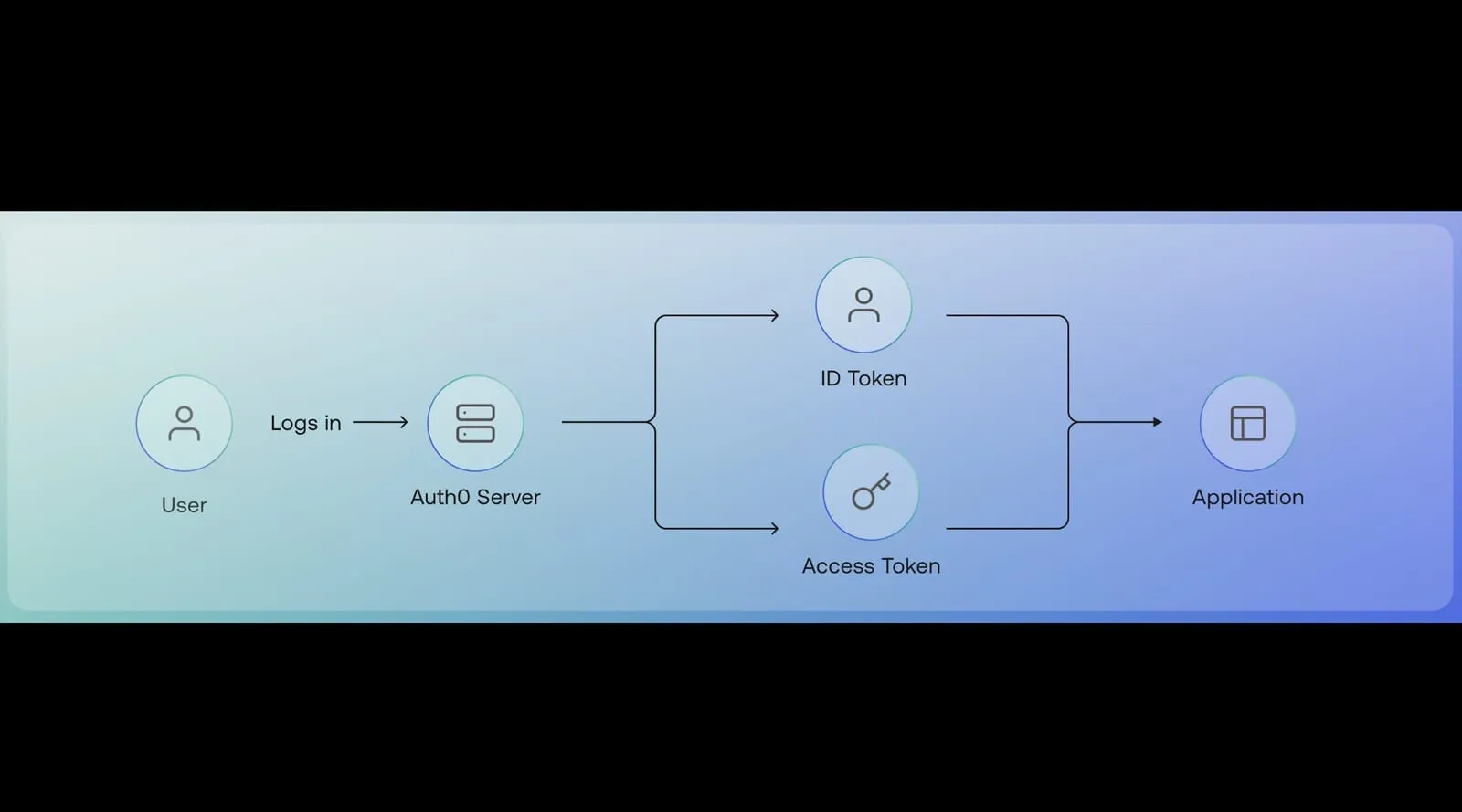
JWT Signing & Encryption: Securing API Tokens
🧐 What is a JWT (JSON Web Token)?
A JWT (JSON Web Token) is a compact, self-contained token used to securely transmit information between parties. It is commonly used for authentication and authorization in APIs.
🔹 Why Use JWTs?
✔ Stateless Authentication – No need to store session data on the server.
✔ Compact & Efficient – JSON-based, making it lightweight.
✔ Secure with Cryptographic Signing – Prevents token tampering.
📌 Structure of a JWT
A JWT consists of three parts, separated by dots (.):
Header.Payload.Signature eyJhbGciOiJIUzI1NiIsInR5cCI6IkpXVCJ9.eyJ1c2VySWQiOiIxMjM0NTY3ODkwIiwicm9sZSI6IkFkbWluIn0.dBJzN4ELtNq3S8c9QzFQ6KGGJr3SMXsCOH1aiYZLKHkgraph TD;
A[JWT Token] -->|Base64 Decode| B[Header]
A -->|Base64 Decode| C[Payload]
A -->|Verify Signature| D[Signature]
style A fill:#f9c2c2,stroke:#333,stroke-width:2px
style B fill:#c2f0c2,stroke:#333,stroke-width:2px
style C fill:#fdfd96,stroke:#333,stroke-width:2px
style D fill:#87cefa,stroke:#333,stroke-width:2px
🔑 JWT Components
1️⃣ Header
Contains metadata about the token, including:
{
  "alg": "HS256",
  "typ": "JWT"
}-
alg: Algorithm used for signing (HMAC, RSA, etc.).
-
typ: Token type (always
"JWT").
2️⃣ Payload
Contains the claims (data) to be transmitted:
{
  "userId": "1234567890",
  "role": "Admin",
  "exp": 1718312392
}-
userId: Identifies the user.
-
role: User’s access role.
-
exp: Expiration timestamp.
3️⃣ Signature
-
Prevents tampering by signing the token with a secret key (HMAC) or a private key (RSA).
-
Ensures integrity of the payload.
🔹 JWT Signing: HMAC vs RSA
| Feature | HMAC (Symmetric) | RSA (Asymmetric) |
|---|---|---|
| Keys Used | One secret key 🔑 | Public & Private keys 🔐 |
| Security | Secure but requires secret key sharing | More secure, private key remains confidential |
| Performance | Faster | Slower (computational overhead) |
| Use Case | API authentication (e.g., user logins) | OAuth2, secure access between services |
🛠️ How to Sign & Verify JWTs in Node.js
📌 HMAC (HS256) Signing Example
const jwt = require('jsonwebtoken');

const secretKey = "SuperSecretKey"; // Must be kept secure

// Generate JWT
const token = jwt.sign({
  userId: "1234567890",
  role: "Admin"
}, secretKey, {
  algorithm: "HS256",
  expiresIn: "1h"
});

console.log("Signed JWT:", token);

// Verify JWT
try {
  const decoded = jwt.verify(token, secretKey);
  console.log("✅ Token is valid!", decoded);
} catch (error) {
  console.log("❌ Invalid token!");
}
📌 RSA (RS256) Signing Example
const jwt = require('jsonwebtoken');
const fs = require('fs');

// Load Private and Public Keys
const privateKey = fs.readFileSync("private.pem", "utf8");
const publicKey = fs.readFileSync("public.pem", "utf8");

// Generate JWT
const token = jwt.sign({
  userId: "1234567890",
  role: "Admin"
}, privateKey, {
  algorithm: "RS256",
  expiresIn: "1h"
});

console.log("Signed JWT:", token);

// Verify JWT
try {
  const decoded = jwt.verify(token, publicKey);
  console.log("✅ Token is valid!", decoded);
} catch (error) {
  console.log("❌ Invalid token!");
}
🔒 When to Use JWT Signing vs Encryption?
✅ Use JWT Signing when:
✔ You need to verify the authenticity of tokens (e.g., user authentication).
✔ You want a lightweight authentication mechanism.
✅ Use JWT Encryption when:
✔ You need to protect sensitive information inside the token.
✔ You want end-to-end confidentiality (e.g., financial transactions).
📌 Most APIs use signed JWTs (JWS) instead of encrypted JWTs (JWE) because the payload typically doesn’t contain confidential data.
🚀 Final Thoughts
JWTs are essential for securing APIs, but choosing the right signing method (HMAC vs RSA) is crucial.
-
HMAC (HS256): Fast and easy, but requires secure key sharing.
-
RSA (RS256): More secure, ideal for OAuth2 & microservices.
Would you like a tutorial on using JWTs with OAuth2 and AWS Cognito? Let’s discuss in the comments! 👇
About Me 👨💻
I’m Faiz A. Farooqui. Software Engineer from Bengaluru, India.
Find out more about me @ faizahmed.in