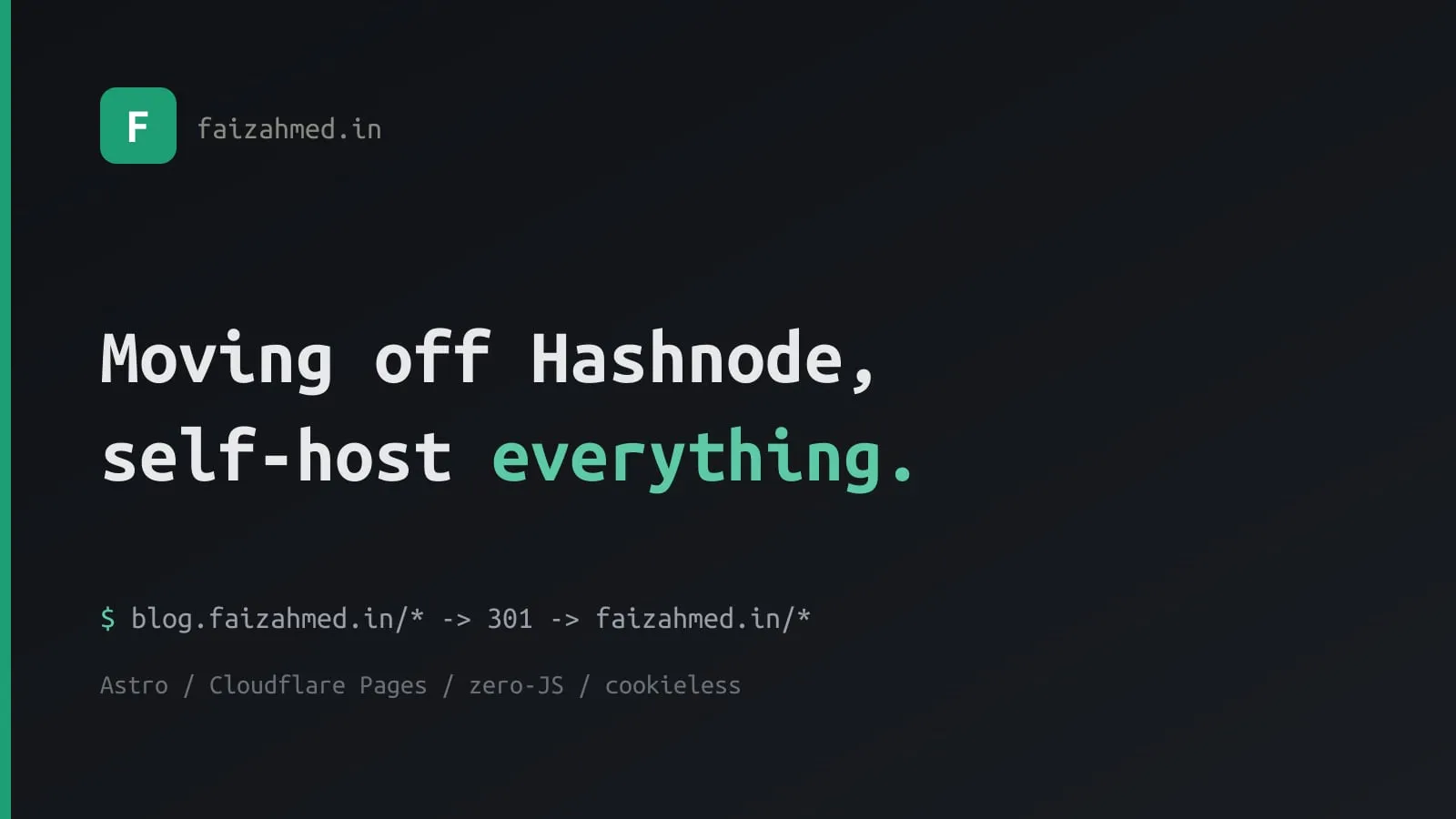
Moving Off Hashnode: Self-Hosting Everything on Astro + Cloudflare
I moved this blog off Hashnode. It now lives in a Git repo as a pile of Markdown
files, builds with Astro, and ships from Cloudflare Pages —
profile and blog on one domain, faizahmed.in. No platform, no CDN I don’t control,
no cookie banner.
Hashnode is a genuinely good product and it served me well for years. This isn’t a “Hashnode bad” post. It’s a “I wanted to own the whole stack” post — and a practical log of how to do the move without nuking your SEO, which was my one real fear.
Why I left
A few itches that finally added up:
- Ownership. My posts are now plain Markdown in Git. The presentation, the URLs, the build — all mine. No lock-in, no export-and-pray.
- Performance. The site ships zero JavaScript bundles — just a few tiny inline scripts for the theme toggle, search, and code-copy. Pages are basically HTML + CSS.
- Privacy. I dropped Google Analytics for cookieless analytics. No cookies means no consent banner and a much smaller privacy footprint.
- No external dependencies. Every image and the font are self-hosted. The page doesn’t phone home to a third-party CDN to render.
- Customisation. A sticky table of contents, terminal-style code blocks, a magazine feed, series and tag pages — all things I can change in an afternoon instead of filing a feature request.
”Self-host everything” — what that actually meant
This was the fun part, and the part most people skip.
Images. Hashnode serves post images from cdn.hashnode.com. If I left them
hot-linked and later deleted my Hashnode account, every image would 404. So the
importer downloads every image — covers and in-body, including the Unsplash
ones — into each post’s folder, then a script downscales them. The covers used to be
1–2 MB PNGs; now they’re ≤1600px and optimised to WebP at build time.
Fonts. Ubuntu Mono is self-hosted (bundled into the build), not pulled from Google Fonts. That kills a render-blocking request and a third-party connection.
Analytics. Cloudflare Web Analytics — cookieless, no personal data, consent-exempt. Nothing to disclose in a banner, and a short privacy page covers the rest.
The only things still loaded from outside are the YouTube embeds (click-to-load — no request until you actually press play) and the Mermaid runtime on the few posts with diagrams. Everything else comes from my own origin.
The scary part: not breaking SEO
My posts ranked at blog.faizahmed.in. Throwing that away would have been dumb. The
trick is to treat it as a site move, not a delete-and-recreate:
-
Keep the slugs identical. Each imported post uses the exact slug it had on Hashnode, so
blog.faizahmed.in/some-postmaps 1:1 tofaizahmed.in/some-post. -
301-redirect, path-preserved. A single Cloudflare rule sends every old URL to the new one, permanently:
blog.faizahmed.in/* → 301 → https://faizahmed.in/${1} -
Flip the canonical. Every page’s
<link rel="canonical">now points at the apex. (Leaving it on the old host while that host redirects away is a classic self-inflicted wound — don’t.) -
Tell Google. Verify the new property, submit the sitemap, and run Change of Address in Search Console.
A 301 passes essentially all ranking signal to the new URL. Expect a small wobble for a week or two while the engines reprocess — then it settles.
The stack
- Astro with the Content Layer API — Markdown posts, no client framework, static output.
- Markdown in Git — frontmatter for title, date, slug, tags, series. Writing a post is creating a folder and a file.
- Cloudflare Pages — free static hosting, deploys on every push to
main. - Cookieless analytics, self-hosted assets, and a
_headersfile with a real Content-Security-Policy and HSTS for good measure.
A new post is just:
---
title: "My Next Post"
datePublished: 2026-06-20
slug: my-next-post
tags: nodejs, aws
series: null
---

Write here.
What I gave up (being honest)
Self-hosting isn’t free of trade-offs:
- The editor. Hashnode’s writing experience is nice. I now write in my editor and push to Git. I prefer it, but it’s a different workflow.
- Built-in audience & newsletter. Hashnode surfaces you to its community and handles email subscriptions. I traded that for control.
- Comments. Gone for now. Adding them back means a third-party widget — which fights the “no external scripts” goal — so I’m leaving them off.
For me the trade was worth it: a faster, private, fully-owned site I can shape however I want, with the back catalogue’s SEO intact. If you’ve been thinking about the same move, the only part worth sweating is the redirects — get those right and the rest is just a build step.