express-typescript
A production-ready Express and TypeScript boilerplate built for multi-core scale.
Hey There! 🙌
🤾 that ⭐️ button if you like this boilerplate. 
A boilerplate for Node.js App.
- This boilerplate is built using Express.js web framework, and is using Typescript Lang for writing the app’s logic.
- It uses Node’s Cluster API, this helps us to take advantage of multi-core systems & to handle the load.
- For storing custom constant configurations within the
process.env- DotEnv package is used. - For Database - Repo contains the use of Mongoose (ie. MongoDB object modeling for Node.js).
- For Cache - Repo contains the use of memory-cache (ie. A simple in-memory cache for node.js).
- For Routing - Repo contains the use of express-router & have distributed Routes into two files ie. Web Routes & API Routes.
- For Route Auth Middleware - Web routes are configured with CSRF Token while the API routes are configured with JSON Web Token.
- For Strategies Auth - Repo contains the use of the Passport.js. Passport.js is compatible with Express.js and is authentication middleware for Node.js.
- For Logging - Repo uses custom Log class built in middlewares folder, and it creates logs file by date & removes the log files after ‘X’ days (You can define that ‘X’ in the
.envfile). - For Handling Exception - Repo contains two classes ie.
Handler&NativeEvent. - To Log - use
Log.info('Your message should go here!'). Other options for logging areLog.warn,Log.error&Log.custom. - For views - Repo contains the use of PUG template engine.
- For background queues - Repo contains the use of Kue. For more details, please review the Queue class.
Contents
Global Requisites
- node (>= 10.5.0)
- tsc (>= 3.0.1)
- typescript (>= 3.0.1)
- mongoose (>= 3.6.2)
- redis
App Structure
Note: I am mentioning only files/folders which you need to configure if required
├── dist
├── public
├── src
│   ├── controllers
│   │   ├── Api
│   │   │   ├── Auth
│   │   │   │   ├── Login.ts
│   │   │   │   ├── RefreshToken.ts
│   │   │   │   └── Register.ts
│   │   │   └── Home.ts
│   │   ├── Auth
│   │   │   ├── Login.ts
│   │   │   ├── Logout.ts
│   │   │   ├── Register.ts
│   │   │   └── Social.ts
│   │   ├── Account.ts
│   │   └── Home.ts
│   ├── exception
│   │   ├── Handler.ts
│   │   └── NativeEvent.ts
│   ├── interfaces
│   │   ├── models
│   │   │   └── user.ts
│   │   └── vendors
│   │        ├── index.ts
│   │        ├── INext.ts
│   │        ├── IRequest.ts
│   │        └── IResponse.ts
│   ├── middlewares
│   │   ├── CORS.ts
│   │   ├── CsrfToken.ts
│   │   ├── Http.ts
│   │   ├── Kernel.ts
│   │   ├── Log.ts
│   │   ├── Statics.ts
│   │   ├── StatusMonitor.ts
│   │   └── View.ts
│   ├── models
│   │   └── User.ts
│   ├── providers
│   │   ├── App.ts
│   │   ├── Cache.ts
│   │   ├── Database.ts
│   │   ├── Express.ts
│   │   ├── Locals.ts
│   │   ├── Passport.ts
│   │   ├── Queue.ts
│   │   └── Routes.ts
│   ├── routes
│   │   ├── Api.ts
│   │   └── Web.ts
│   ├── services
│   │   └── strategies
│   │        ├── Google.ts
│   │        ├── Local.ts
│   │        └── Twitter.ts
│   └── index.ts
├── views
│   ├── includes
│   ├── modals
│   ├── pages
│   ├── partials
│   ├── static
│   │   ├── css/*.css
│   │   └── js/*.js
│   └── layout.pug
├── .env
├── .gitignore
├── nodemon.json
├── package.json
├── README.md
├── tsconfig.json
└── tslint.json
Install, Configure & Run
Below mentioned are the steps to install, configure & run in your platform/distributions.
# Clone the repo.
git clone https://github.com/GeekyAnts/express-typescript.git;

# Goto the cloned project folder.
cd nodets;
# Without Docker
# Note: It is assumed here that you have MongoDB running in the background and that you have created the database.
# Install NPM dependencies.
# Note: You can review the list of dependencies from the below link.
# https://github.com/faizahmedfarooqui/nodets/network/dependencies
npm install;
# Edit your DotEnv file using any editor of your choice.
# Please Note: You should add all the configurations details
# or else default values will be used!
vim .env;
# Run the app
npm run dev;# With Docker
# Note: It is assumed here that you have Docker running in the background.
# Run the app in docker as a foreground process
docker-compose up
# Run the app in docker as a background process
docker-compose up -dList of Routes
# Web Routes:

+--------+-------------------------+
  Method | URI
+--------+-------------------------+
  GET    | /
  GET    | /signup
  POST   | /signup
  GET    | /login
  POST   | /login
  GET    | /logout
  GET    | /account
  GET    | /auth/google
  GET    | /auth/google/callback
  GET    | /auth/twitter
  GET    | /auth/twitter/callback
  GET    | /status-monitor
+--------+-------------------------+

# API Routes:

+--------+-------------------------+
  Method | URI
+--------+-------------------------+
  POST   | /api
  POST   | /api/auth/login
  POST   | /api/auth/register
  POST   | /api/auth/refresh-token
+--------+-------------------------+
Screens
Home / Landing Page
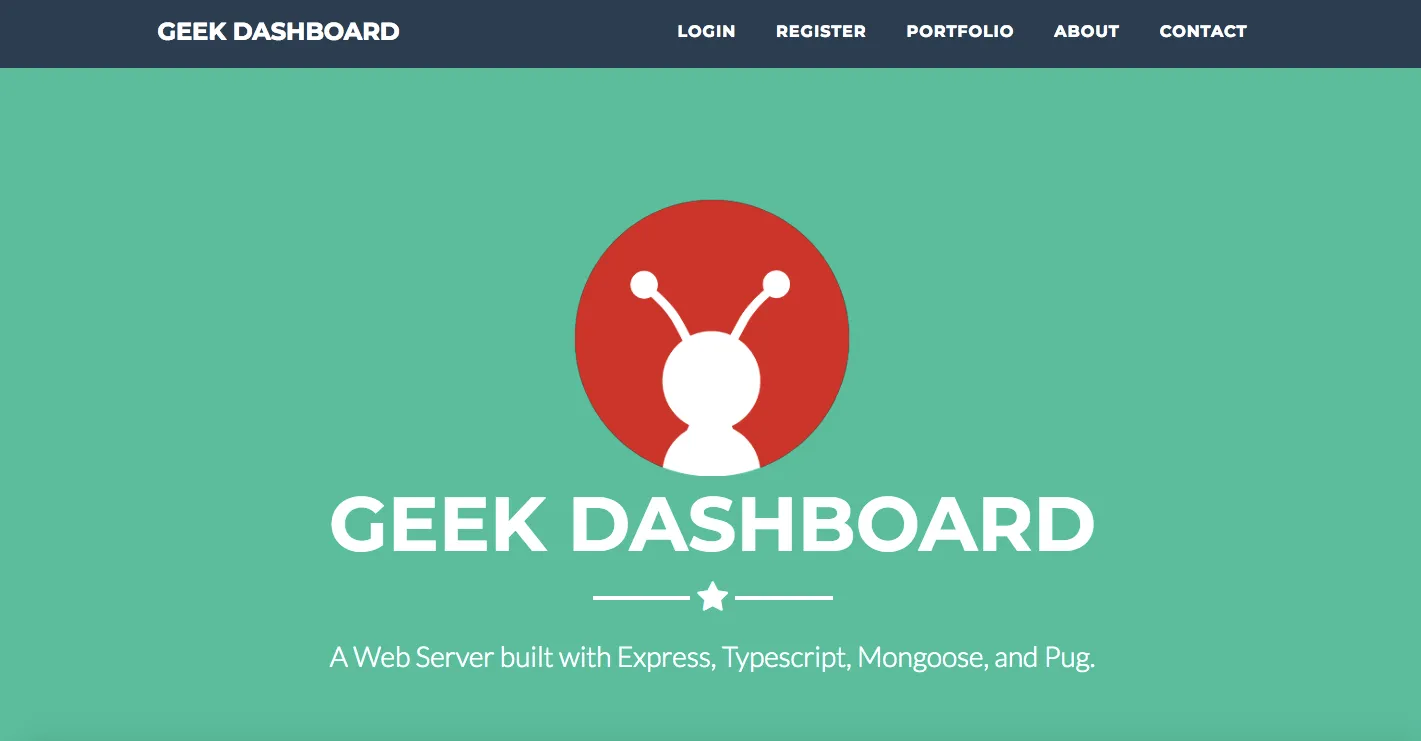
Note: This page has sub-sections, like about-us, contact-us & portfolio
LogIn Page
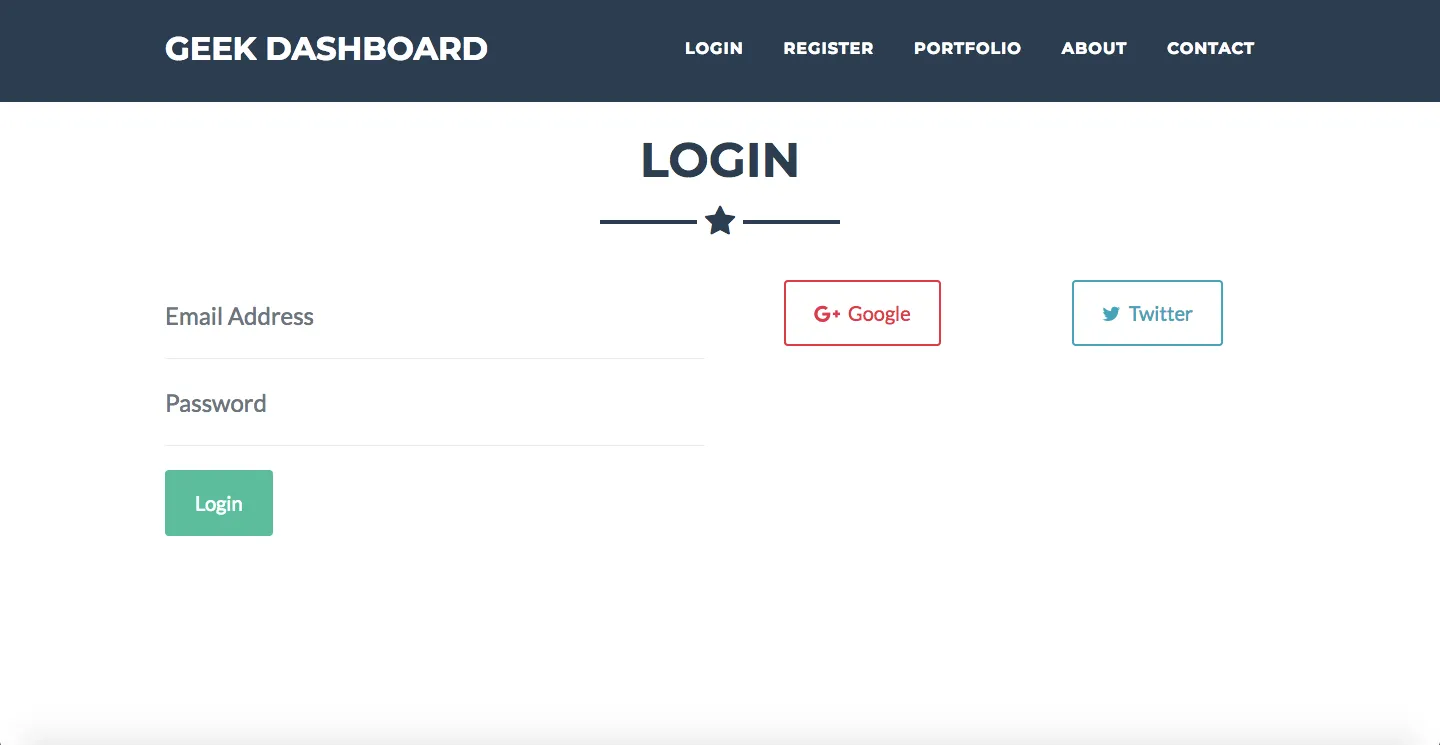
Note: LogIn with Providers
SignUp Page
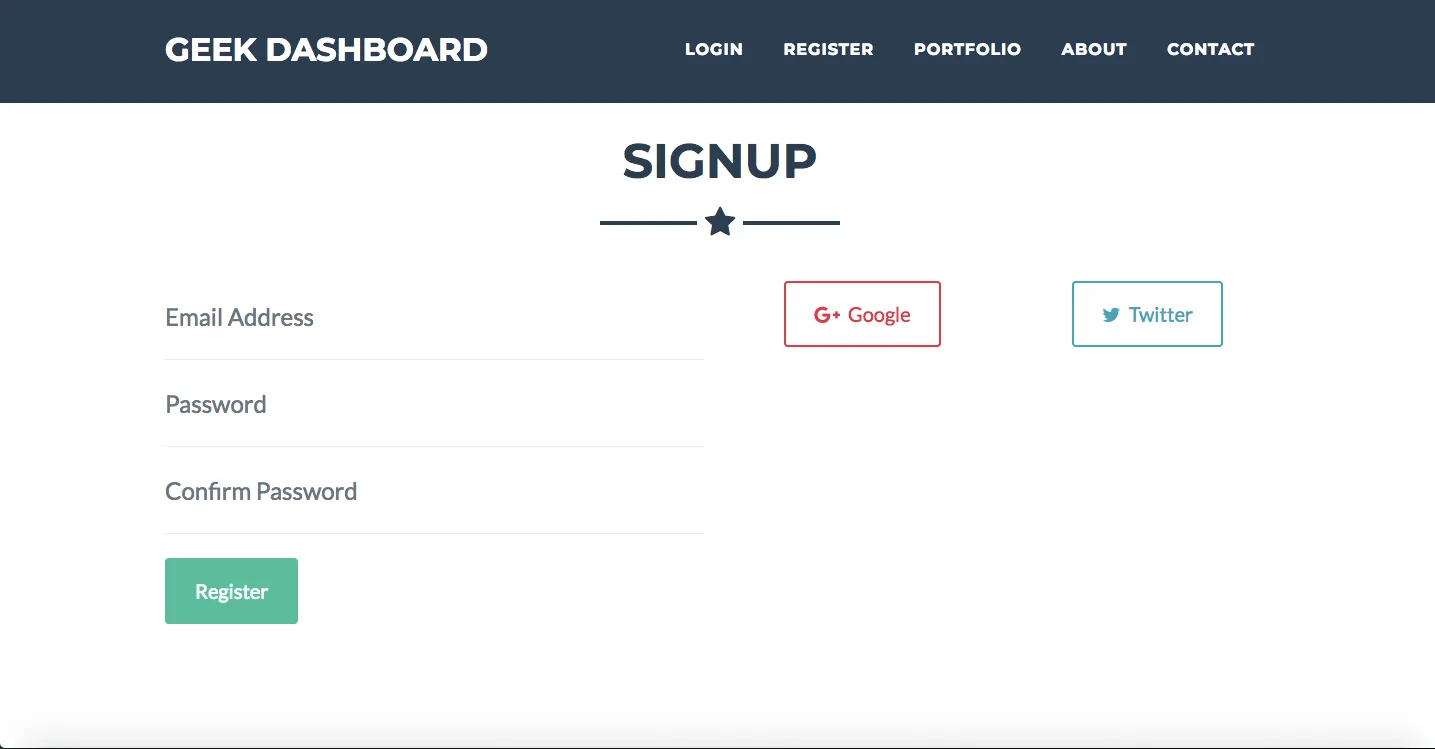
Note: SignUp with Providers
Dashboard Page
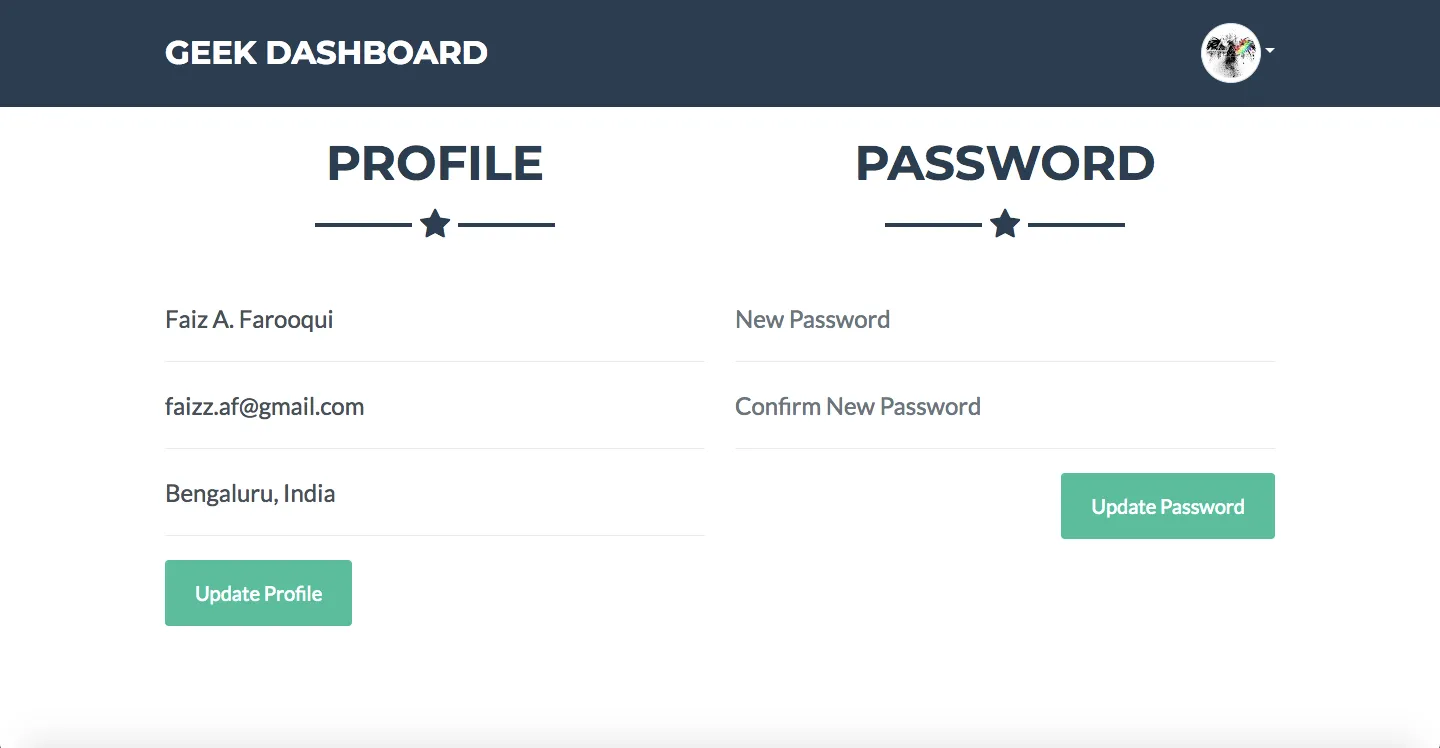
With Dropdown Menu
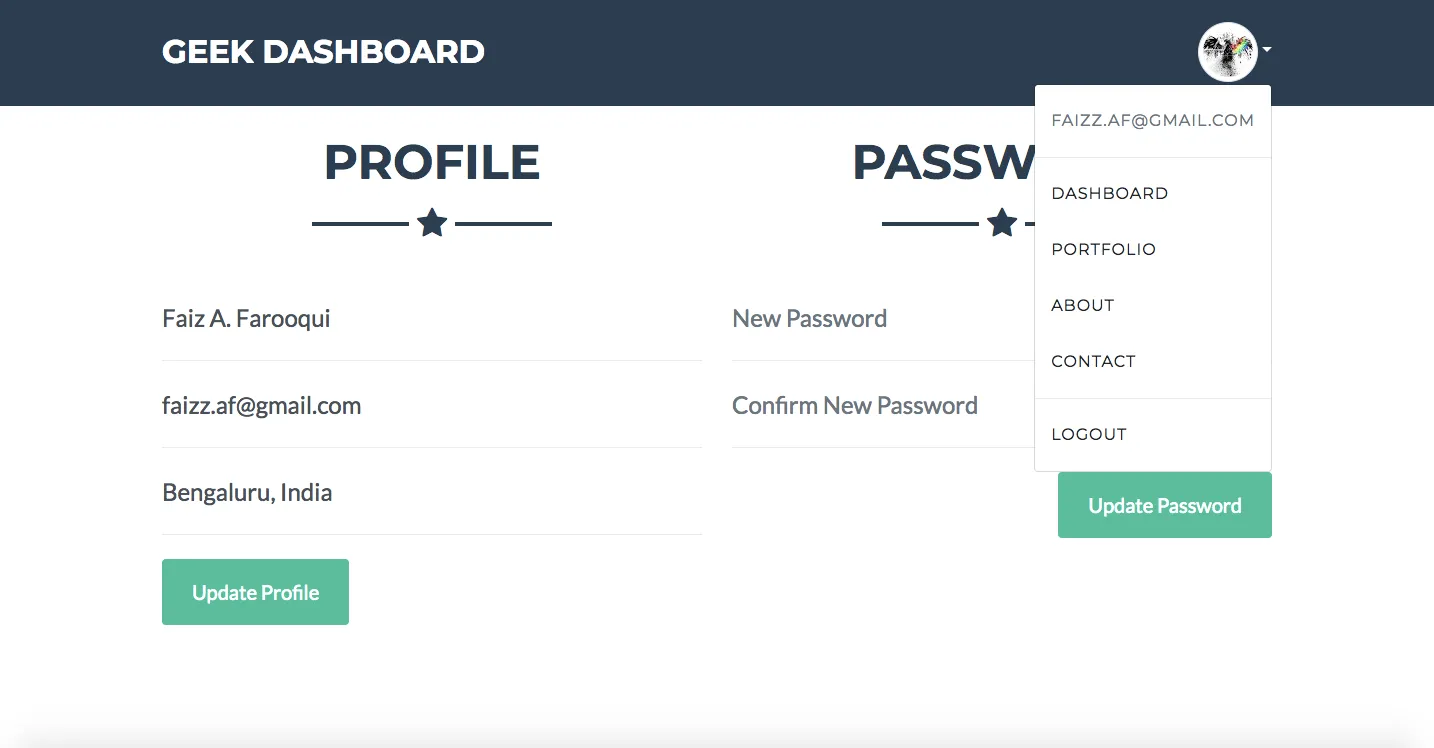
Page Not Found Page
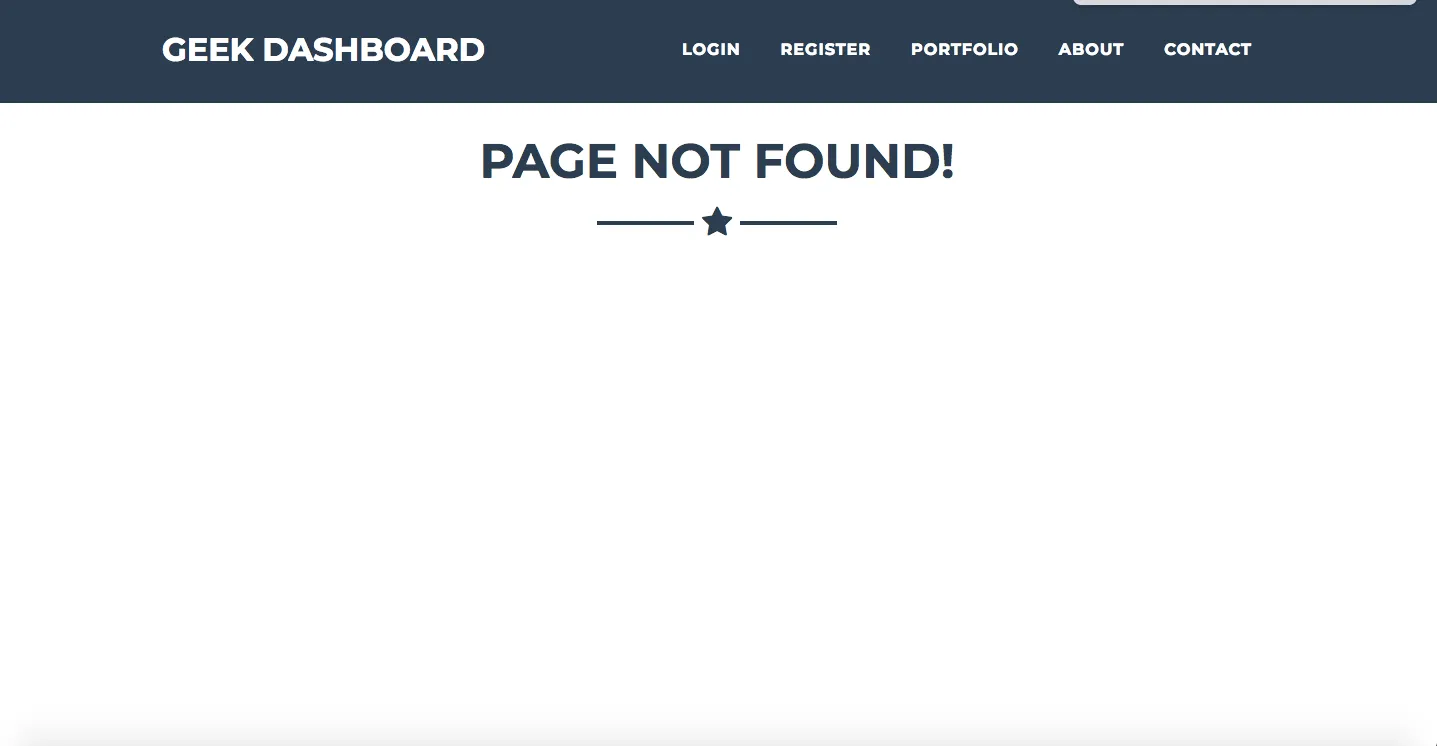
Note: In case the requested URI does not exist, app shows this page
Under Maintenance Page
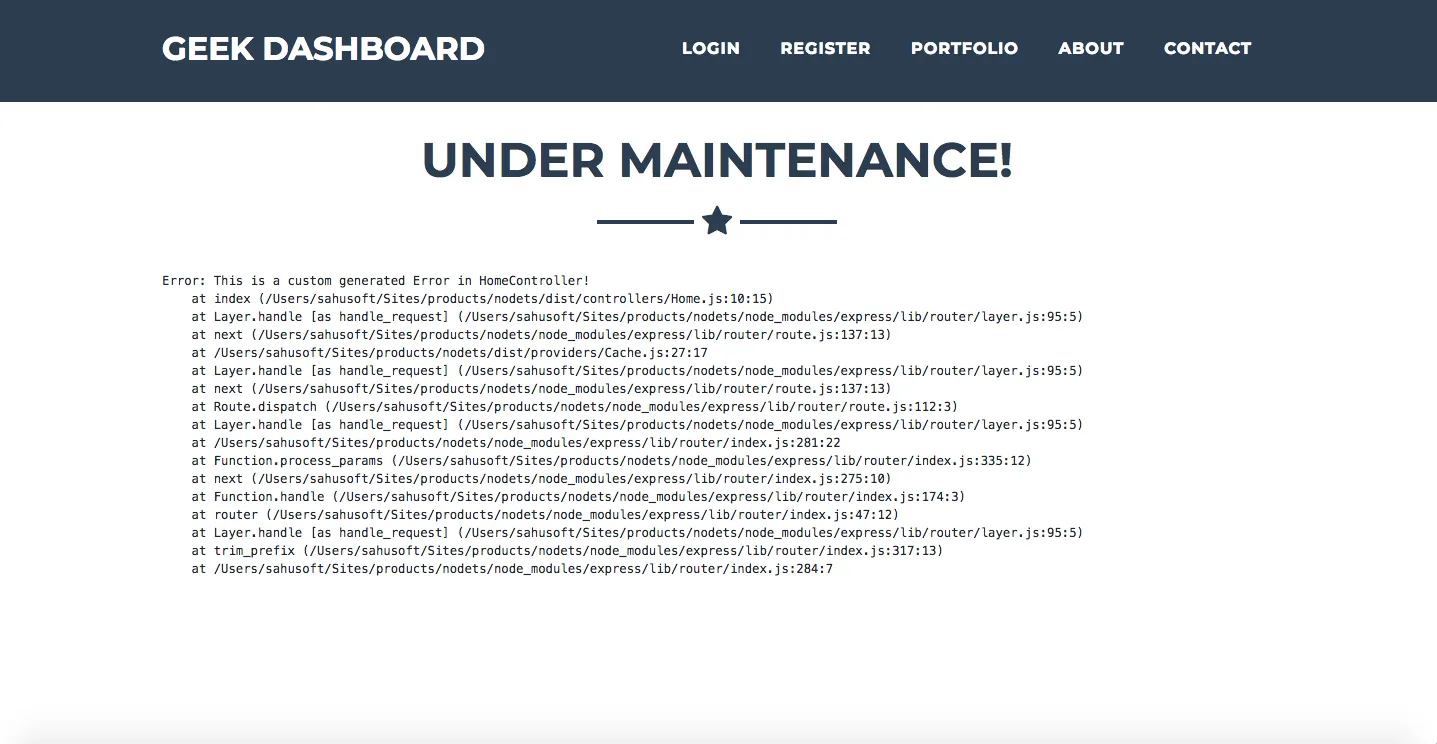
Note: In case an error is generated, so instead of plain errors we can show the under maintenance page.