Passkeys and WebAuthn: How Passwordless Login Actually Works
A password is a secret you and the server both know. That is the original sin of the whole scheme: because the server has to store something to check your password against, a breach of its database puts every account at risk, and because you type the same secret into whatever page asks for it, a convincing fake page can simply collect it.
Passkeys remove the shared secret entirely. There is nothing in the server’s database worth stealing, and nothing a fake site can collect that would work anywhere else. That sounds like magic until you see what is underneath, and then it is familiar: passkeys are asymmetric public-key cryptography and digital signatures, pointed at the login box.
The core idea: a keypair, not a secret
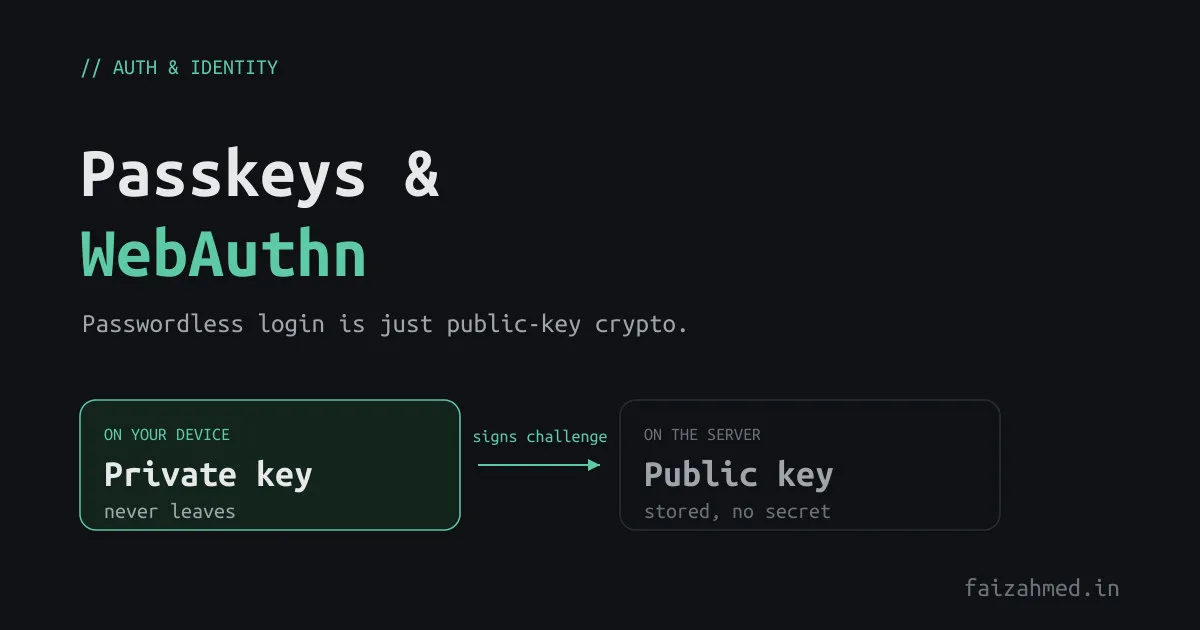
When you create a passkey, your device generates an asymmetric keypair. The private key never leaves the device (it lives in the secure enclave, a TPM, or an encrypted, synced keychain). The server only ever receives and stores the public key.
Compare that to a password. A password database stores a hash of a shared secret, and a hash is still something an attacker can grind against offline once they have it. A passkey database stores public keys, which are public by definition. There is no secret on the server to leak. The contrast is the same one between hashing and encryption: with passkeys, the sensitive half of the pair simply is not in the place that gets breached.
Registration: creating the passkey
Registration is one round trip. The server hands the browser a set of options including a random challenge; the authenticator generates the keypair and signs; the server stores the returned public key.
sequenceDiagram
  participant U as Device (authenticator)
  participant B as Browser
  participant S as Server (RP)
  B->>S: request registration options
  S-->>B: challenge + rpID + user info
  B->>U: navigator.credentials.create()
  U->>U: generate keypair, store private key
  U-->>B: public key + credential ID
  B->>S: send attestation response
  S->>S: verify, then store public key + credential ID
In practice you do not hand-roll the WebAuthn byte parsing. On Node, the SimpleWebAuthn library (v11+) wraps the ceremony. The server side has two endpoints, options and verify:
import {
  generateRegistrationOptions,
  verifyRegistrationResponse,
} from '@simplewebauthn/server';

const rpName = 'Example App';
const rpID = 'example.com';            // the registrable domain
const origin = `https://${rpID}`;

// POST /webauthn/register/options
const options = await generateRegistrationOptions({
  rpName,
  rpID,
  userName: user.email,
  attestationType: 'none',
  // stop the user registering the same authenticator twice
  excludeCredentials: user.credentials.map((c) => ({ id: c.id, transports: c.transports })),
  authenticatorSelection: { residentKey: 'preferred', userVerification: 'preferred' },
});

await saveChallenge(user.id, options.challenge); // needed to verify the next request
return options;
// POST /webauthn/register/verify (body = the browser's registration response)
const verification = await verifyRegistrationResponse({
response: req.body,
expectedChallenge: await getChallenge(user.id),
expectedOrigin: origin,
expectedRPID: rpID,
});
if (verification.verified && verification.registrationInfo) {
const { credential, credentialDeviceType, credentialBackedUp } =
verification.registrationInfo;
await saveCredential(user.id, {
id: credential.id, // base64url string
publicKey: Buffer.from(credential.publicKey).toString('base64url'),
counter: credential.counter,
transports: credential.transports,
deviceType: credentialDeviceType, // 'singleDevice' | 'multiDevice'
backedUp: credentialBackedUp,
});
}The browser half is tiny, because the authenticator and OS do the work:
import { startRegistration } from '@simplewebauthn/browser';

const optionsJSON = await fetch('/webauthn/register/options', { method: 'POST' })
  .then((r) => r.json());

const regResponse = await startRegistration({ optionsJSON });

await fetch('/webauthn/register/verify', {
  method: 'POST',
  headers: { 'Content-Type': 'application/json' },
  body: JSON.stringify(regResponse),
});
Authentication: proving you hold the key
Login is the same shape, but now the device proves possession of the private key by signing a fresh challenge. The server checks that signature against the public key it stored at registration.
sequenceDiagram
  participant U as Device (authenticator)
  participant B as Browser
  participant S as Server (RP)
  B->>S: request login options
  S-->>B: random challenge + allowCredentials
  B->>U: navigator.credentials.get()
  U->>U: sign challenge + origin with private key
  U-->>B: assertion (signature)
  B->>S: send assertion
  S->>S: verify signature with stored public key
  S-->>B: session or token
import {
  generateAuthenticationOptions,
  verifyAuthenticationResponse,
} from '@simplewebauthn/server';

// POST /webauthn/login/options
const options = await generateAuthenticationOptions({
  rpID,
  allowCredentials: user.credentials.map((c) => ({ id: c.id, transports: c.transports })),
  userVerification: 'preferred',
});
await saveChallenge(user.id, options.challenge);
return options;
// POST /webauthn/login/verify
const stored = await getCredentialById(req.body.id); // look up by credential ID
const verification = await verifyAuthenticationResponse({
response: req.body,
expectedChallenge: await getChallenge(user.id),
expectedOrigin: origin,
expectedRPID: rpID,
credential: {
id: stored.id,
publicKey: Buffer.from(stored.publicKey, 'base64url'),
counter: stored.counter,
transports: stored.transports,
},
});
if (verification.verified) {
// bump the signature counter to catch cloned authenticators
await updateCounter(stored.id, verification.authenticationInfo.newCounter);
// only now do you establish a session or issue a token
}Note that last comment. WebAuthn authenticates the user; it does not replace your session layer. Once verified, you still decide session versus token like any other login.
Why this kills phishing
This is the part that matters, and it falls out of the design for free.
The signature the authenticator produces covers the origin of the site requesting
it, and the credential is bound to a specific relying-party ID. A passkey created for
example.com will not sign for examp1e.com. Even if a user is fooled into visiting a
perfect clone, the browser hands the authenticator the attacker’s origin, the
signature is computed over that origin, and it will never verify against the real
server’s stored key. There is no password to type into the wrong box.
Two more properties come along: the challenge is random and single-use, so a captured assertion cannot be replayed, and because the server holds only a public key, a database dump hands an attacker nothing they can log in with.
Untangling the names
The terminology trips people up, so once, plainly:
- WebAuthn is the W3C browser API (
navigator.credentials). - CTAP is the protocol between the browser and an external authenticator.
- FIDO2 is WebAuthn and CTAP together.
- Passkeys are WebAuthn credentials that are discoverable and usually synced across your devices through a platform keychain.
Synced vs device-bound
Passkeys come in two flavours, and the difference is a real trade-off:
- Synced passkeys (iCloud Keychain, Google Password Manager, etc.) replicate the
private key, end-to-end encrypted, across your devices. You get convenience and
recovery if you lose a device.
credentialBackedUpis true for these. - Device-bound passkeys (a hardware security key) never leave the one device. Higher assurance, no sync, and losing the key means losing that credential.
Most consumer apps want synced passkeys for the user experience. High-assurance contexts may require device-bound keys.
Passwords vs MFA vs passkeys
| Passwords | TOTP / SMS MFA | Passkeys | |
|---|---|---|---|
| Shared secret on the server | Yes (a hash) | Yes (a seed) | No (public key only) |
| Phishing-resistant | No | No, codes can be relayed | Yes, origin-bound |
| Breach exposure | High | Medium | Minimal |
| Replayable | Yes | Within a time window | No, single-use challenge |
| User effort | Type and remember | Type plus a second step | Biometric or a tap |
What the server actually stores
Per credential: the credential ID, the public key, a signature counter, and the transports list. That is the entire footprint. No secret, nothing reversible, nothing that is dangerous to leak. Passwordless is not a marketing word. It is asymmetric keys and digital signatures, the primitives you already use, finally applied to the one place that needed them most.
References
The code above is written against the current @simplewebauthn/server (v11+) API, whose
verifyAuthenticationResponse takes a credential argument; older guides still show the
removed authenticator argument, so check the version before copying.